
Getting started
Your first week
What to do on day one, and why the first week of logging matters more than any single day.
Install the app, answer the onboarding questions, and log everything you eat for a week. That's the whole first-week plan, and the last part matters more than the rest.
Onboarding
The app asks for your current weight, goal weight, how fast you'd like to change, your height, sex, date of birth and activity level. Those feed the calorie and macro targets. You can change all of it later in Settings, and changing your weight later doesn't invalidate anything you've already logged.
Why the first week matters
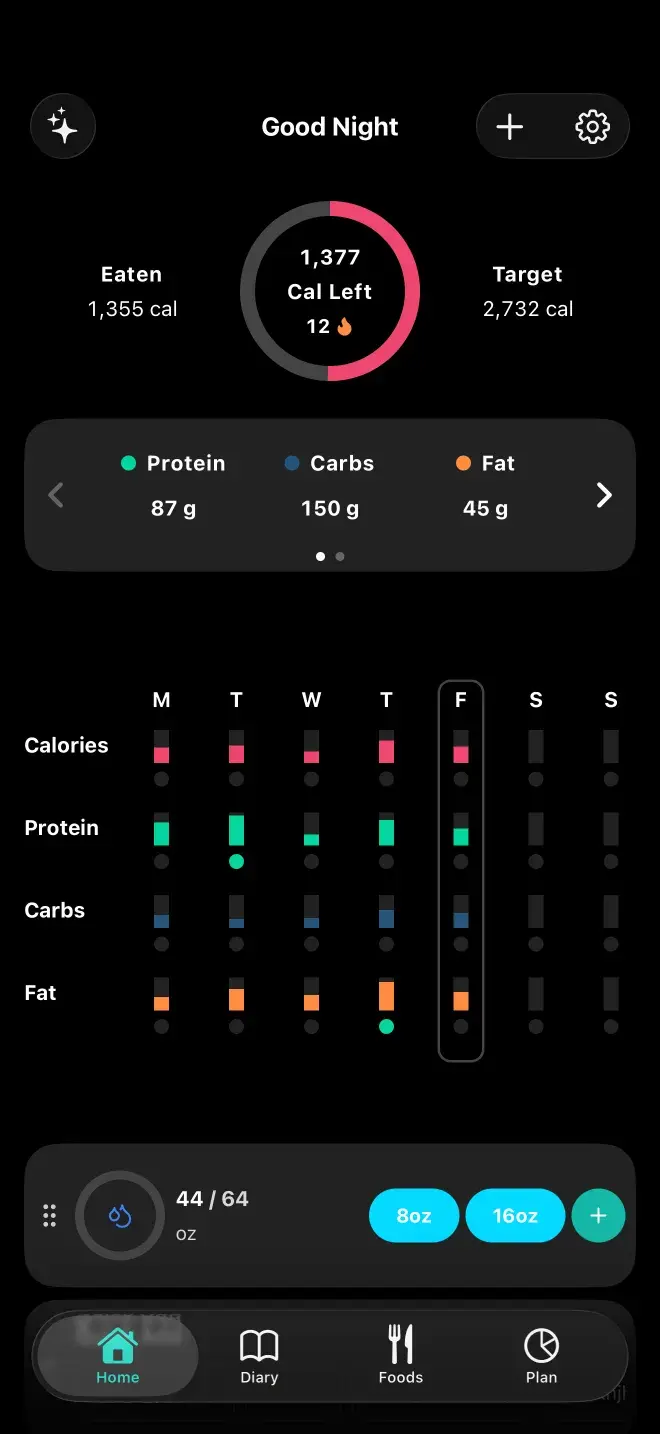
Most of what's useful in the app is pattern recognition, and patterns need data. Diet insights need at least three days of logs within the last seven before they'll run at all. The weight forecast needs a couple of weeks of weigh-ins before its confidence band tightens up. Nothing here works well from a single day.
Log the unglamorous days too. A week of logging only the days that went well tells you nothing you didn't already know.
A realistic first day
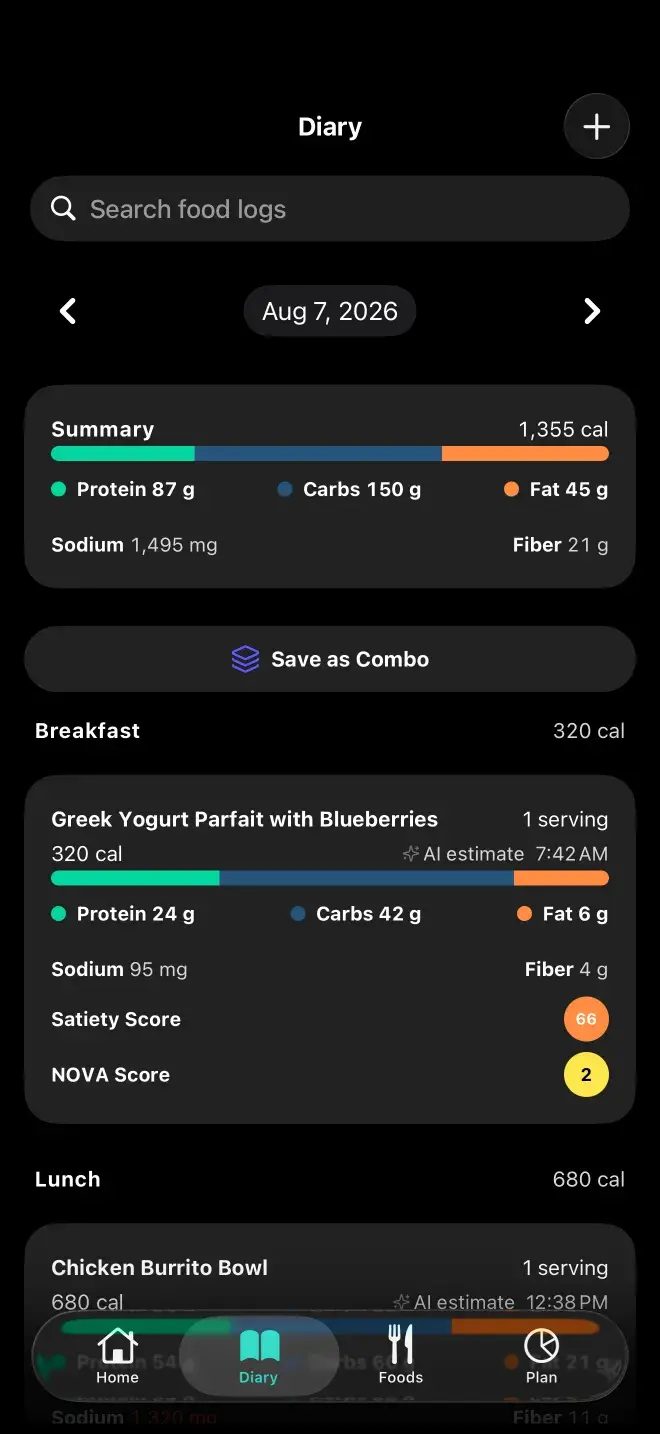
- Log breakfast with whatever method is nearest: barcode if it has one, a photo if it doesn't.
- Weigh yourself and log it, so the trend line has a starting point.
- Log the rest of the day as you go rather than reconstructing it at bedtime.
- Ignore the numbers on day one. They only mean something in aggregate.