
← Help center
Health and device
Widgets
Home screen widgets and the in-app widget row, and how to reorder them.
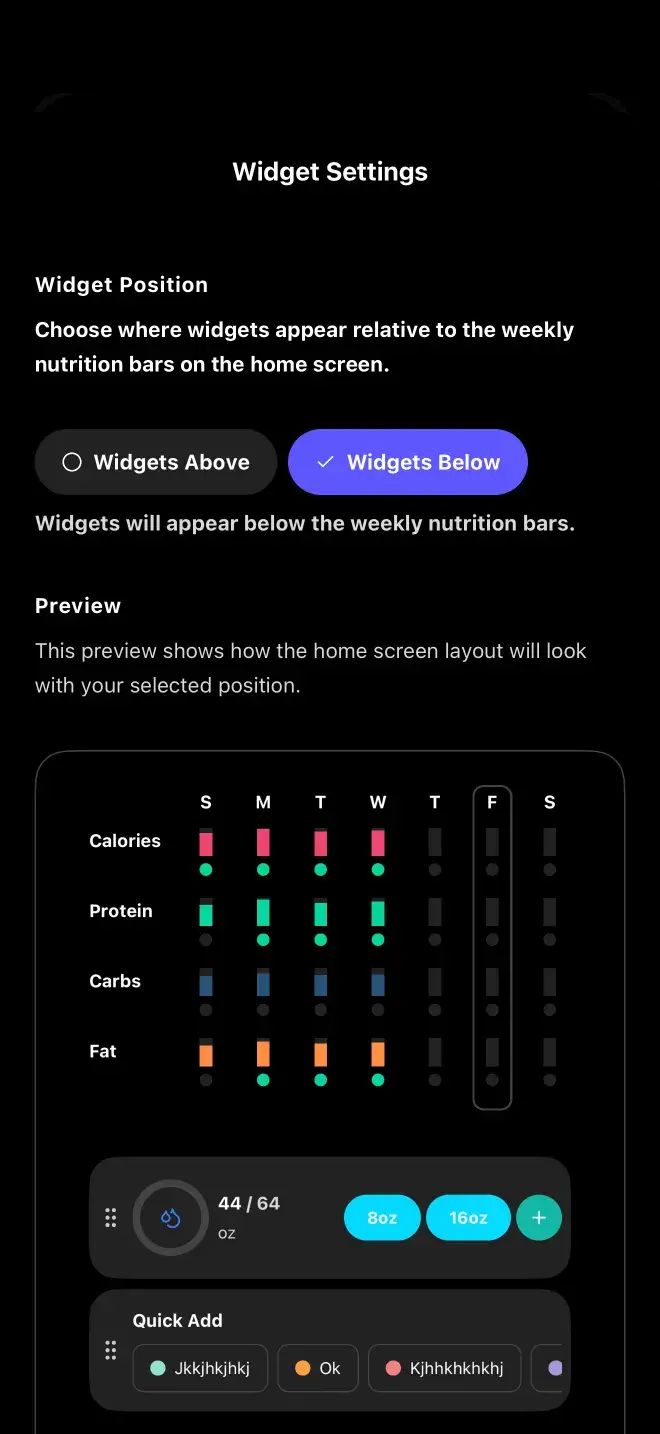
Food Loops has two kinds of widget: iOS home screen widgets, and an in-app widget row on the Home tab.
Home screen widgets (iOS)
| Widget | Shows |
|---|---|
Calories | Calories eaten against your daily target |
Water | Today's water intake progress |
Steps | Today's step count progress |
Daily Overview | Water, calories and steps together |
In-app widgets
Water, Steps and Quick Notes can appear on the Home tab, and you can reorder them and choose whether they sit above or below the week strip, under Settings, Widget Settings.
There's also a Track Food quick action: long-press the app icon to jump straight to logging.
Previous
Apple Health and Health ConnectNext
RemindersStill stuck? Get in touch.