
Logging food
Five ways to log a meal
Search, AI Scan, barcode, describe, or manual entry — and which one to reach for.
There are five ways to log a meal in Food Loops: search your own foods, scan a barcode, photograph the food, describe it in words, or enter it manually. All five live behind the + button on the Home, Diary and Foods tabs.
Which one to use
| Situation | Best method |
|---|---|
Packaged food with a barcode | Scan Barcode — free, unlimited, real label data |
A plate of food, or a nutrition label | AI Scan — photograph it |
A meal you can describe but not photograph | Describe — type or dictate |
Something you eat regularly | Search — it's already in your library |
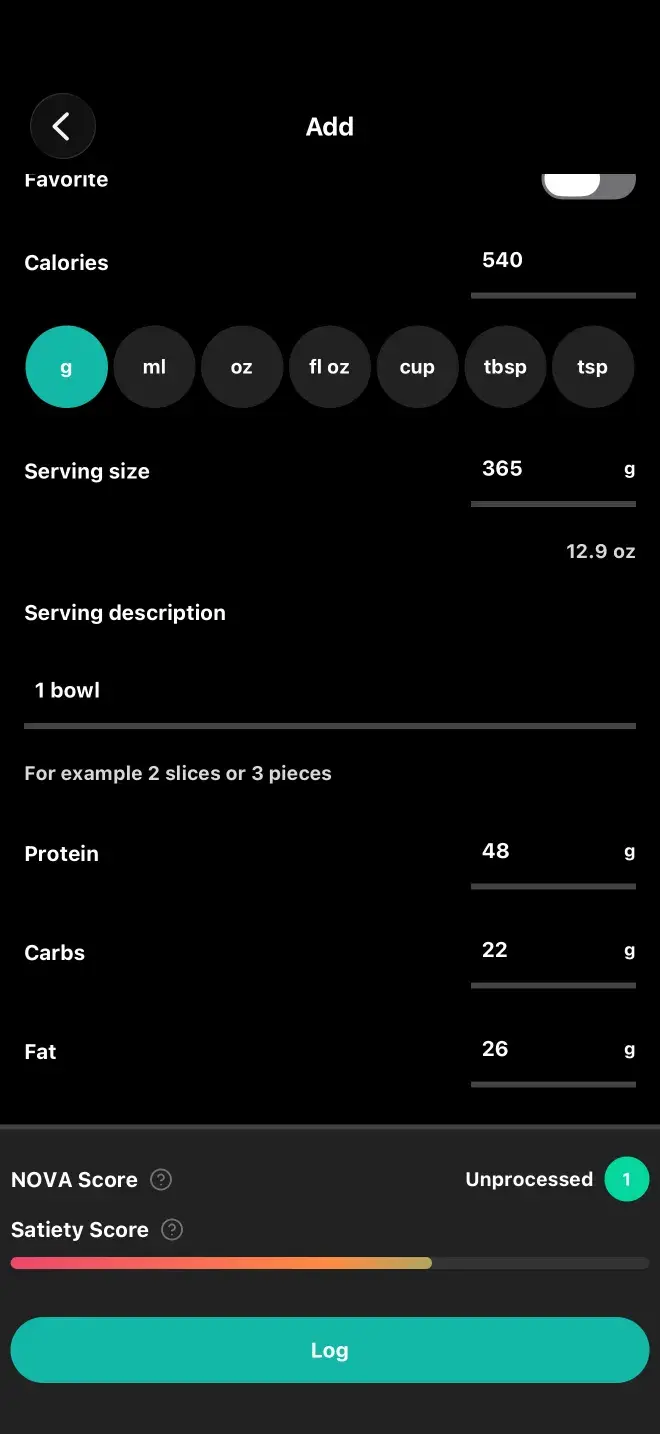
Home cooking with a known recipe | Manual Entry — save it once, reuse forever |
What's free and what's Pro
Barcode scanning, manual entry and searching your own library are free and unlimited. AI Scan and Describe are Pro features, because each one costs a model call.
The + menu also has Log Weight, Add Note and Add Water. Those aren't meal logging, but they live in the same place.
Previous
The four tabsNext
Barcode scanningStill stuck? Get in touch.