
Health and device
Blood sugar analysis
Overlay CGM glucose data on your meals to see which foods spike you. iOS only.
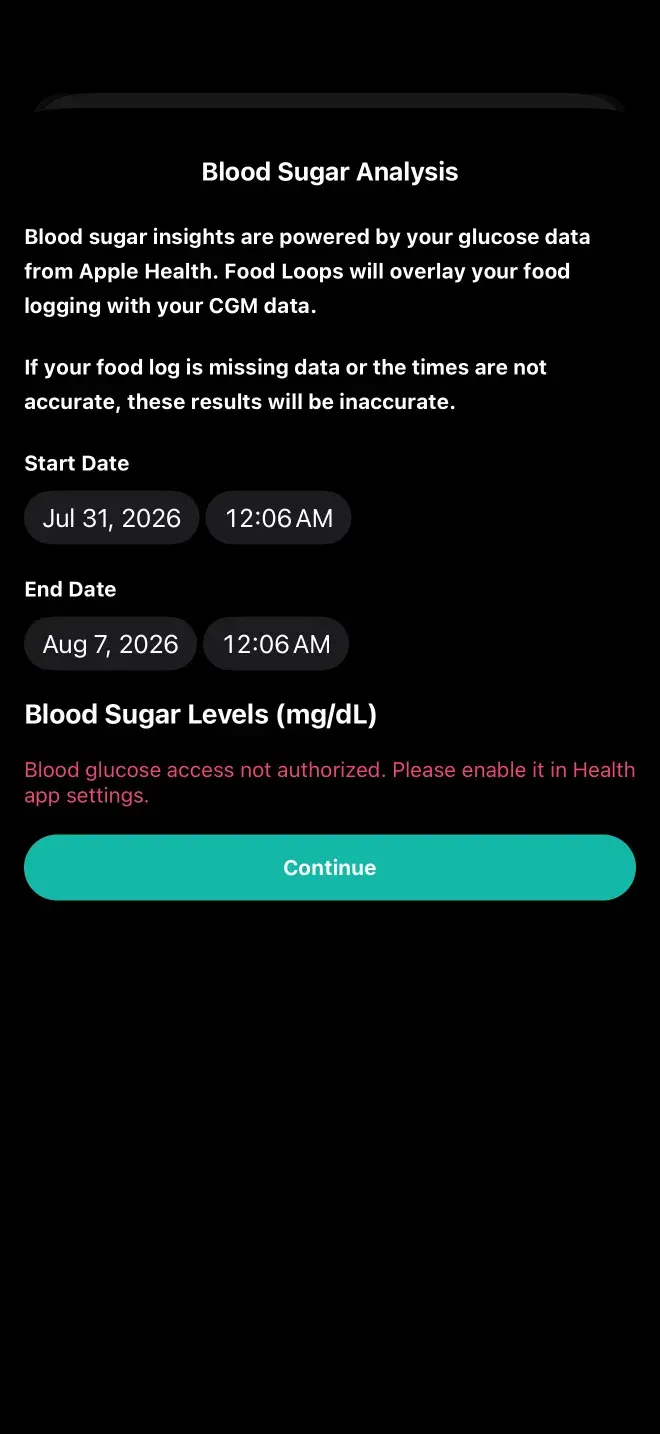
Blood Sugar Analysis overlays glucose readings from a continuous glucose monitor onto your food logs, so you can see which meals move your blood sugar and by how much. It's iOS only and requires a HealthKit-compatible CGM.
What you need
- An iPhone — this feature isn't on Android yet
- A HealthKit-compatible CGM such as a Dexcom or FreeStyle Libre
- Permission for Food Loops to read glucose data from Apple Health
- Meals logged over the period you want analyzed
Turning it on
Settings, then Health, then Blood Sugar Insights. Once enabled, a Blood Sugar Analysis option appears in the insights section. You choose a date range of up to seven days.
What it tells you
Which foods and macronutrient combinations correlate with your glucose responses, how meal timing affects them, and how the spacing between meals plays in. Responses are individual — two people eating identical meals can respond quite differently, which is exactly why looking at your own data is worth doing.
Glucose data is read from Apple Health, analyzed, and not stored. This feature is informational and is not a diabetes management tool. If you're managing a diagnosed condition, your clinician's guidance comes first.
Previous
How the AI worksStill stuck? Get in touch.