
Privacy and data
Export, import and reset
Back everything up to a file, restore it on a new phone, or wipe it entirely.
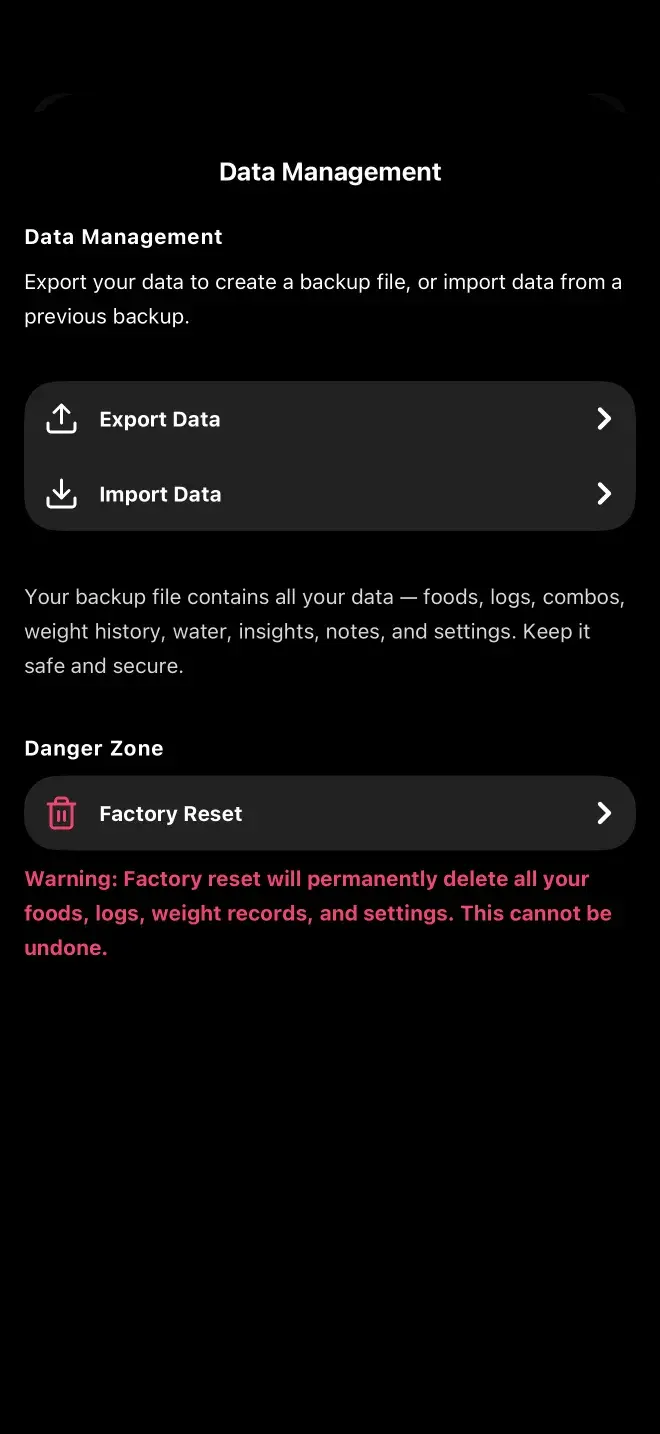
Settings, then Export, Import & Reset. Export writes your entire database to a JSON file you can save anywhere; import restores from one.
Exporting
The backup covers foods, logs, settings, weights, water, insights, combos and notes. It's shared through the normal iOS or Android share sheet, so you can put it in Files, iCloud, Drive, or email it to yourself.
Importing
Pick a backup file and the app shows you what's in it and how it compares to what you currently have before doing anything. This is how you move to a new phone — there's no account, so there's no automatic sync to do it for you.
Back up before you change phones, not after. Uninstalling the app deletes the database, and there is no server-side copy to fall back on. That's the direct trade-off for the privacy model.
Factory reset
Wipes everything and returns the app to its initial state. There's no undo, so export first if there's any chance you'll want the data back.
Previous
What's stored and what's sentNext
Free vs ProStill stuck? Get in touch.